Create an administrator user in Drupal using Drush (Drupal 10 & 11)
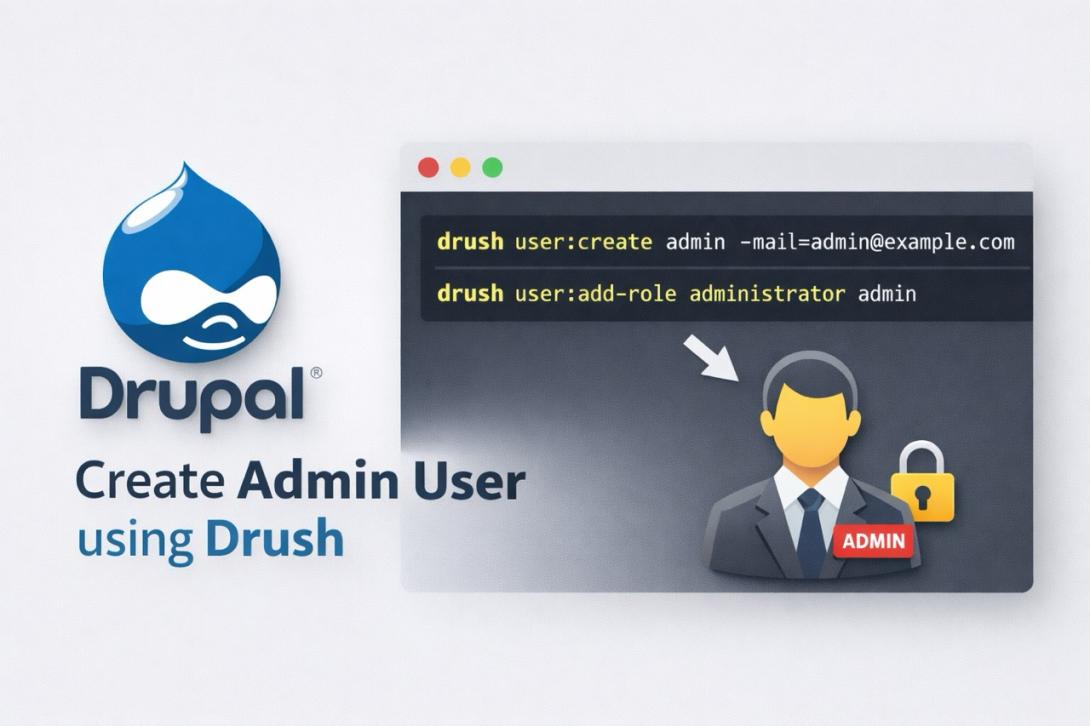
In otder to create a new user in your website using drush, you'll need to run the following commands:
$ drush user-create YourUsername --mail="your@mail.com" --password="YourPassword"
This will create a new user in the website.
In order to assign the role administrator to the user run:
$ drush user-add-role "administrator" YourUsername
Updated for Drupal 11 (2026)
If you need to create a new administrator account in Drupal using Drush, you can do it quickly and safely from the command line. This is especially useful if you are locked out of your site or setting up a new environment.
The following commands work for Drupal 10 and Drupal 11 with modern Drush versions (Drush 10+).
Create a new user with Drush
Run the following command:
drush user:create YourUsername --mail="your@mail.com" --password="YourPassword"This will create a new user account in your Drupal installation.
Assign administrator role
To grant administrator permissions to the user, run:
drush user:add-role administrator YourUsernameThis assigns the administrator role, giving full access to the Drupal backend.
One-liner (create admin user instantly)
If you want to do everything in one step:
drush user:create admin --mail="admin@example.com" --password="StrongPass123" && drush user:add-role administrator adminImportant notes
- Modern Drush versions use colon syntax (
user:createinstead ofuser-create). - The role name administrator must exist on your site.
- You can list available roles with:
drush role:list- On some installations, the admin role may have a different name.
Common use cases
- Recovering access to a locked Drupal site
- Creating admin users in local environments (DDEV, Docker)
- Setting up staging or production environments
- Automating deployments
Related Drush commands for user management
Reset user password
drush user:password username newpasswordList users
drush user:listRemove a role from a user
drush user:remove-role administrator usernameBlock a user
drush user:block usernameTroubleshooting
The administrator role does not exist
Check available roles using:
drush role:listIf the role is missing, you may need to create it or assign permissions manually.
Command not found
Make sure Drush is installed and available:
drush statusPermissions not applied
Verify that the role actually has administrative permissions in your Drupal installation.
Conclusion
Using Drush to create and manage users in Drupal is fast, reliable, and essential for developers and administrators. Whether you are recovering access or setting up a new project, these commands save time and simplify your workflow.
Answers
Frequently Asked Questions
Does this work in Drupal 10 and 11?
Yes, these commands work in Drupal 10 and Drupal 11 with modern Drush versions.
What is the difference between user:create and user-create?
user:create is the modern syntax used in Drush 10+. The older format may still work but is not recommended.
Can I create a user with a role directly?
Not in a single command by default. You need to create the user first and then assign the role.
Is this safe for production?
Yes, as long as you use strong passwords and secure server access. Drush is commonly used in production environments.